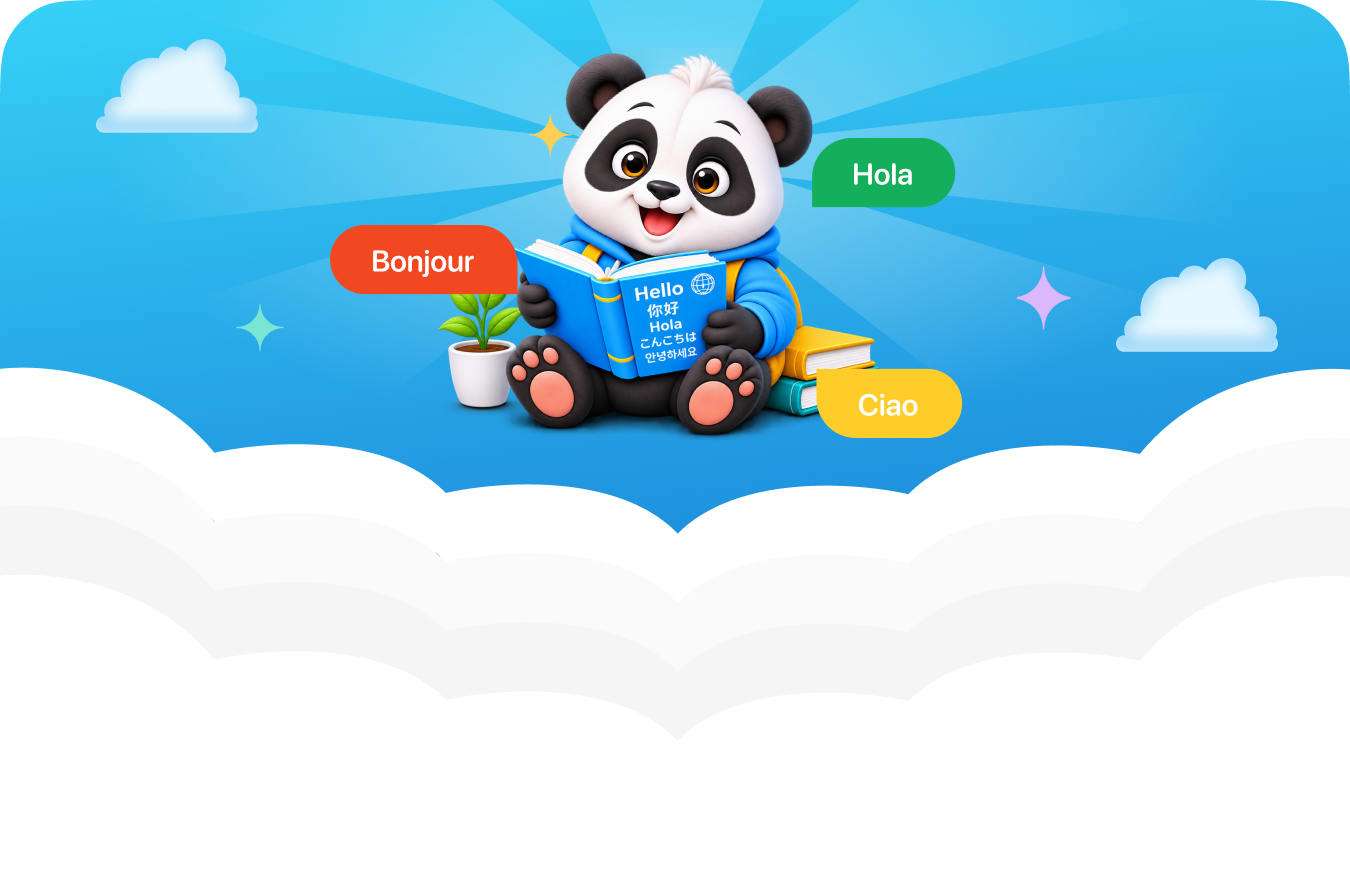
Made for Mac
The app is designed for Mac users on macOS 14 or later. When done with work or on a break, you can simply run the app, complete a few exercises and get back to work again.
 HiLingoGet HiLingo
Learn languages on your Mac with HiLingo. Practice Spanish, French, Italian, Chinese, and Japanese with short lessons, quizzes, and AI conversations.
Free to start · macOS 14 or later Your learning, brought to life
The HiLingo app is designed to maximize your learning experience on your Mac. It creates a natural study-like environment, making it easier to grasp the concepts at a good pace.
A few things help you build the habit:
 Short lessonsThat move you forward one step at a time, for example, from A1 to A2.
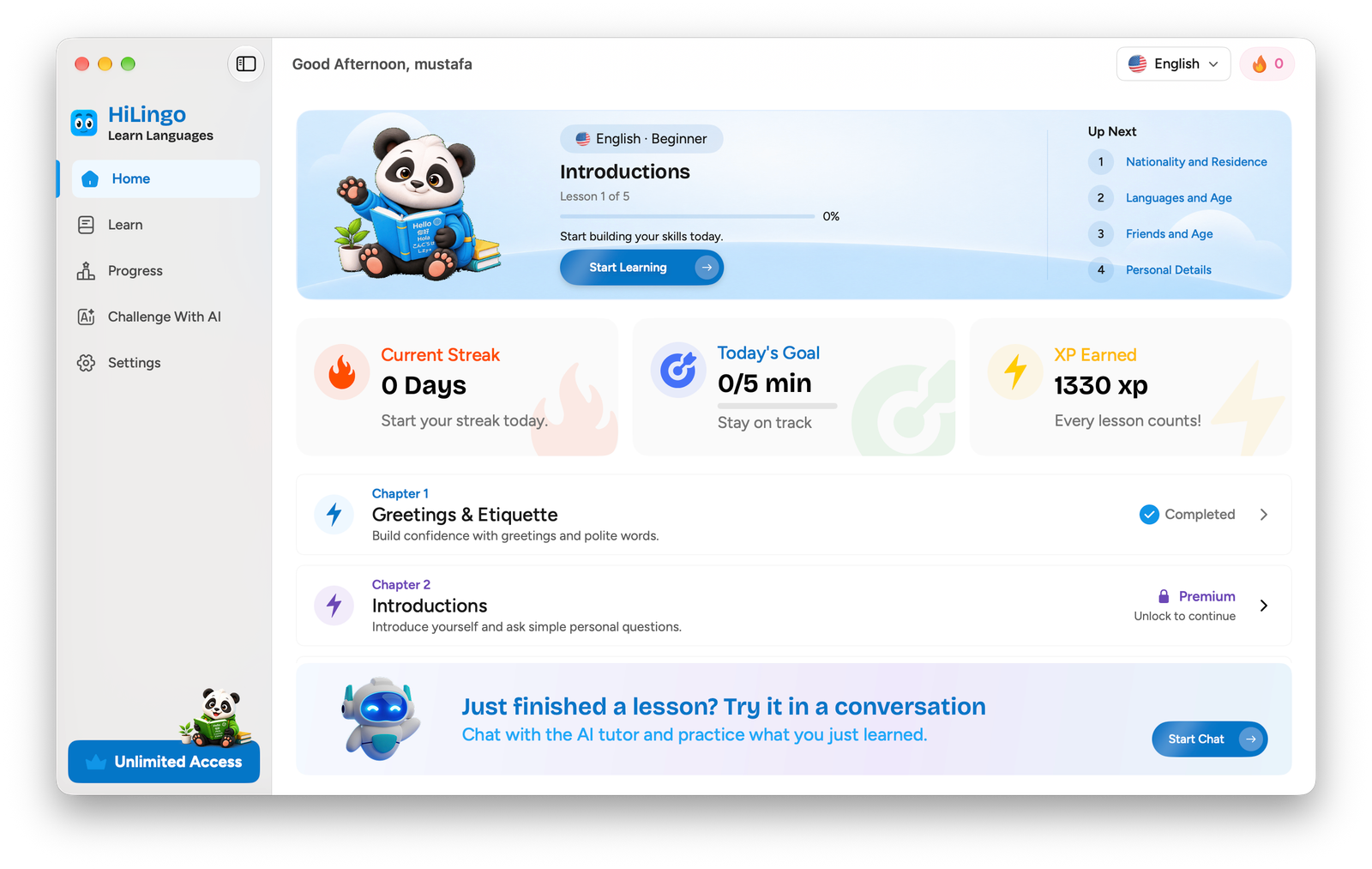
 Daily streaksThat reward a little practice every day.
When learning a new language, most people look for convenience, something that fits their busy schedule and is accessible at any time. Therefore, a language learning app is the best option, and HiLingo is what you can count on.
A question. A clear answer. Your next step.
You can check out the free lesson on the website to see how it helps with learning.
The reason why HiLingo is a recommended app for learning new languages is because of its AI integration. Vocabulary can only help in learning the basics. Unless you practice the language, you can’t cover the difficult parts.
That’s why HiLingo brings a Challenge AI tool within the app that allows you to practice the language by having real-time conversations. The tool works like an AI language tutor that presents practice scenarios covering your daily lessons and situations.
For instance, it can ask you to translate certain everyday sentences like ‘ordering a coffee, asking for the bill, saying hello to someone’. With the lessons, it provides you with instant feedback on pronunciation and vocabulary, and offers insights for improvement.
This kind of AI language conversation practice has a few practical benefits:
Nobody is listening, so you can try again without pressure.
Practice at any hour, without scheduling a partner.
The conversation adapts to your level instead of following a fixed script.
Boosting continuous learning, HiLingo provides a manageable and effective way of learning regularly. It creates short lessons, which can be completed daily without taking much time. Once these are completed, there are short quizzes to test your learning.
These quizzes are designed to help you recall what you’ve learned during the course. From a simple ‘Hello’ to complete sentences, the quizzes will make it easier to fortify your learning and make you an expert in the language.
Put together, the learning loop is simple:
Because you set the pace, you can slow down on tricky material or move on when something feels easy. You can check out the free lesson on the website to see how it helps with learning.
When choosing a language learning application for Mac, the one thing that should be considered is access to multiple languages. In the case of HiLingo, you get access to 30 languages, including Spanish, French, Japanese, English, German, Portuguese, Korean, Arabic, and Hindi.
Whether you want to travel abroad to Spain or Italy, or watch K-dramas without subtitles, the HiLingo app for Mac can help you practice your language daily. When you check out the website, it also lets you practice and try a few questions in different languages so you can be sure before downloading it.
In other words, the demo version allows you to pick the app if you find it appropriate for the learning curve you’re looking for.
There are plenty of ways to study a language. Here is what HiLingo offers:
The app is designed for Mac users on macOS 14 or later. When done with work or on a break, you can simply run the app, complete a few exercises and get back to work again.
The AI-powered learning assistant creates challenges that are designed to strengthen your learning with enhanced feedback and pronunciation coaching.
Learning but don’t know how to interact? The AI assistant engages in natural conversations to help you practice your pronunciation.
Enjoy step-by-step learning with smart quizzes that are designed for beginners and experts based on your preferences.
With 30 languages, you can select which level to begin with and progress slowly but daily with honest feedback on your reading, listening and speaking skills.
One thing to remember is that HiLingo does not, at any point, offer language fluency overnight. It requires consistent effort in practicing daily lessons and engage feedback for improvement.
Getting started with HiLingo.
You can choose from 30 learning languages, including English, French, Spanish, German, Italian, Portuguese, Chinese, Japanese, Korean, Arabic, and Hindi. The app's interface is also available in 30 languages.
HiLingo is a Mac app and requires macOS 14 or later. You can download it from the Mac App Store.
Yes. You can ask quick questions in Spanish, French, Italian or Japanese on this page. No account is needed for the website demo.
Challenge AI offers practice conversations for situations like ordering coffee, checking in at a hotel, or meeting someone new.
No. You can start as a beginner or choose a higher level. Lessons, quizzes, and AI challenges let you practice at your own pace.
Read our privacy policy for details. If you have a question, contact the team.
Can’t find what you’re looking for? Send us a message, and we’ll be happy to help.
The best time to start a new language is when it feels manageable, and a short lesson on your Mac is about as manageable as it gets.
Pick a language, try a few words, and have your first AI conversation. Take it one small step at a time, and see where a few minutes a day can lead.