Guide Your next conversation starts here
How to Choose a Language Learning App for Mac?
Check compatibility, language support, practice types and pricing so you pick an app that gets you speaking.
If you're after a language learning app for Mac, you want something that runs well on your machine, covers the language you want to learn, and gets you speaking instead of just tapping flashcards.
A bit too much? Don’t worry, we’re here to make things easier. This guide explores how you can choose the right language learning app for your Mac so you can begin learning in no time. Let’s explore further:
Check Mac Compatibility First
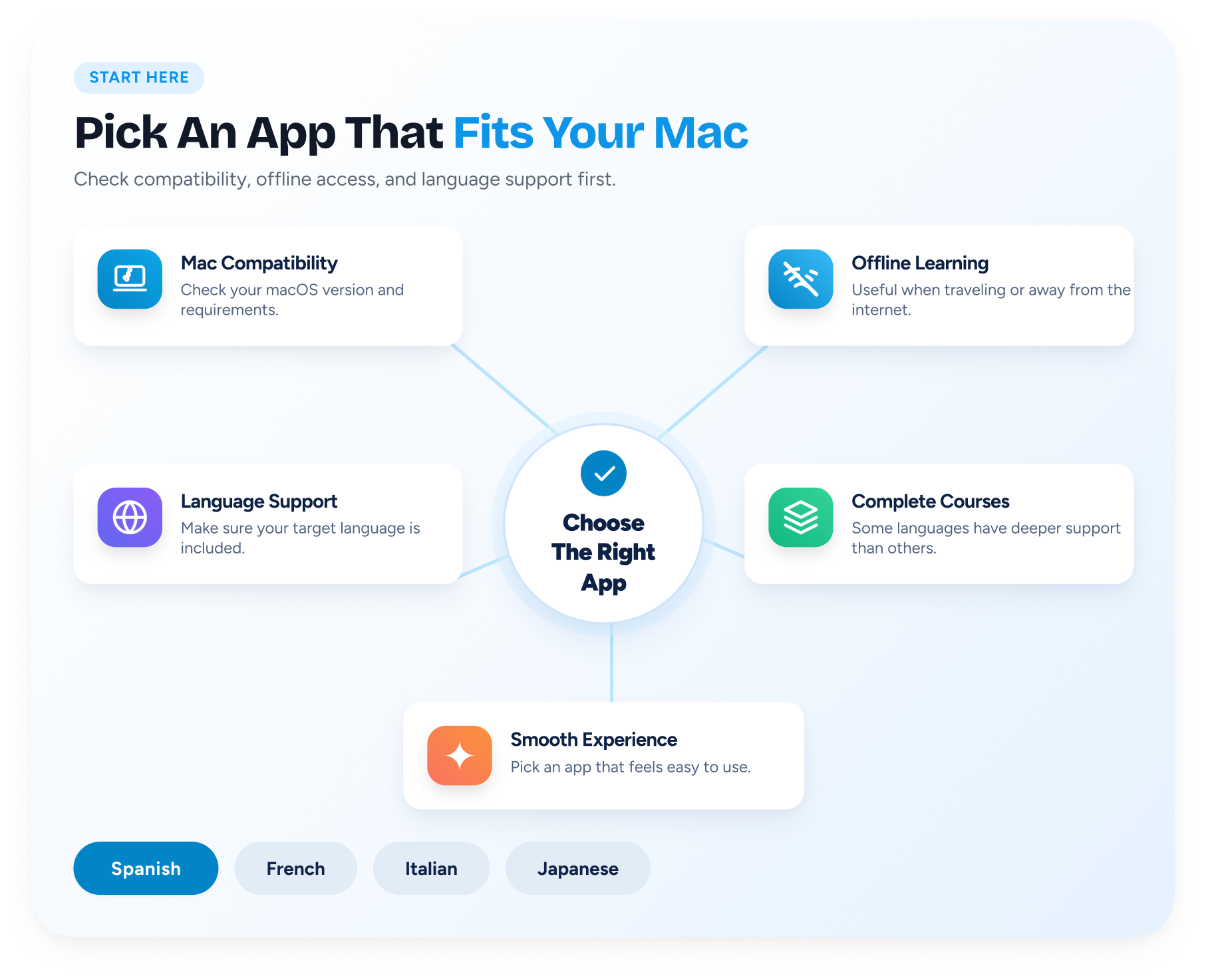
The first thing that you need to consider is the compatibility of the app with your current macOS version. When you’re searching for an app on the App Store, you’ll find its minimum macOS version requirements in its description.
Use this information to compare apps. Moreover, you can also find whether the app supports offline activity or not. An offline-based app is useful for learning while there’s no internet connection, such as during traveling, camping, etc.
Make Sure Your Target Language Is Supported
When you’re checking for compatibility, ensure that you’ve checked through its supported languages. Some applications claim to be language learning applications; however, they only offer learning for selected languages.
In some cases, the learning program for the selected language isn’t supported thoroughly. You can find full courses for some while others remain incomplete. This makes the app less useful compared to the ones that offer complete courses for all languages offered.
Look for the languages that the app supports and ensure you’re getting complete access to the learning program. You can narrow down your choices by comparing apps that offer complete or partial learning access.
Look for Speaking, Listening, and Review Practice
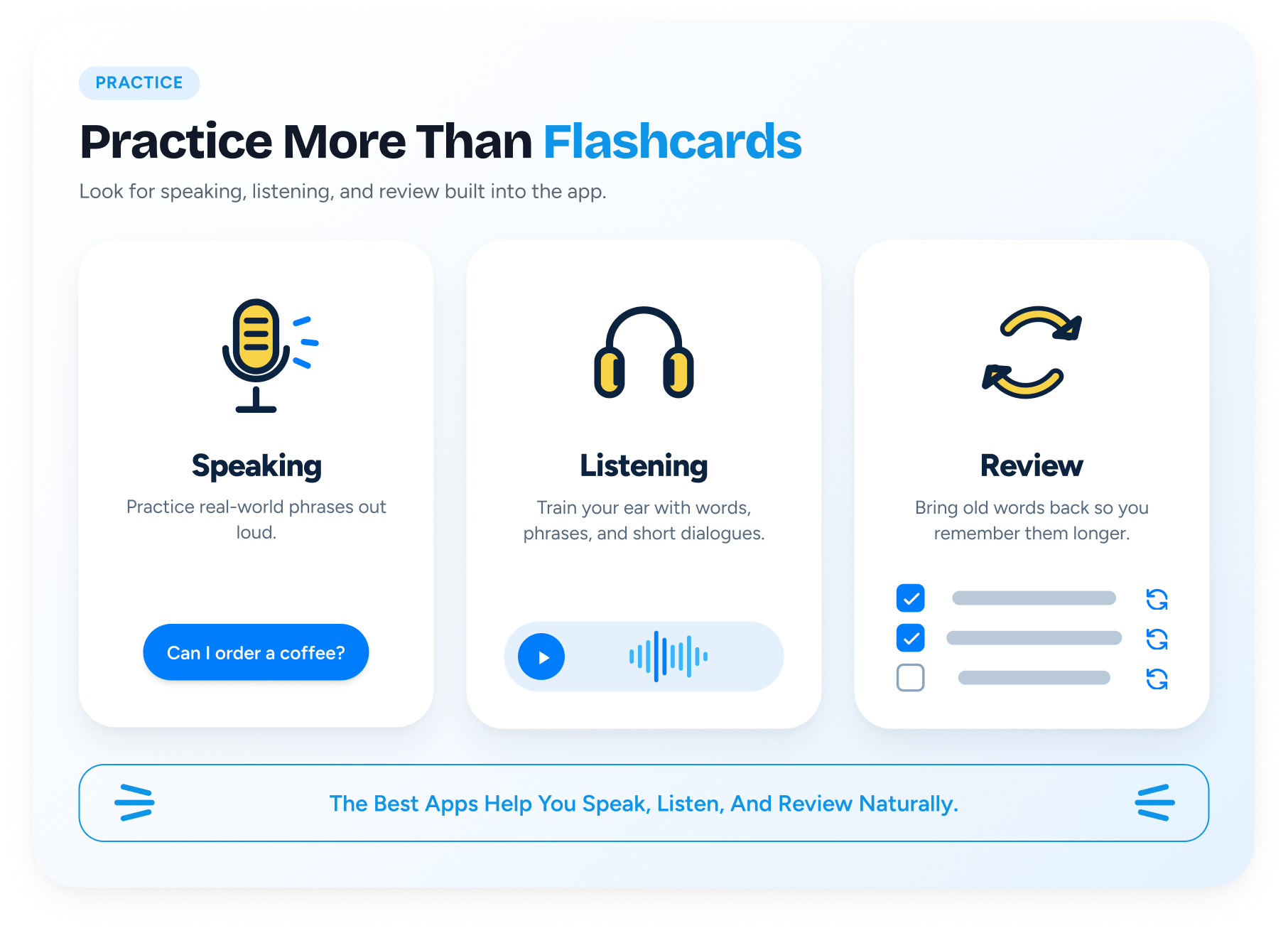
The most important element about any language learning app is the accuracy of the practice sessions it provides, especially when it comes to pronunciation. When learning, apps shuffle the words, helping you explore and learn new ones.
However, some apps ensure to bring the old ones in new lessons to ensure you don’t forget them. This helps you memorize words more accurately. From speaking to listening and reviewing, apps allow the user to engage in natural conversations to strengthen learning.
A reliable AI language learning app for Mac can help you practice what you’ve learned with and practice with real-world scripts. This helps minimize errors while speaking, allowing you to strengthen pronunciation for phrases exactly as they are without any barriers.
Compare Lesson Formats and Study Flexibility
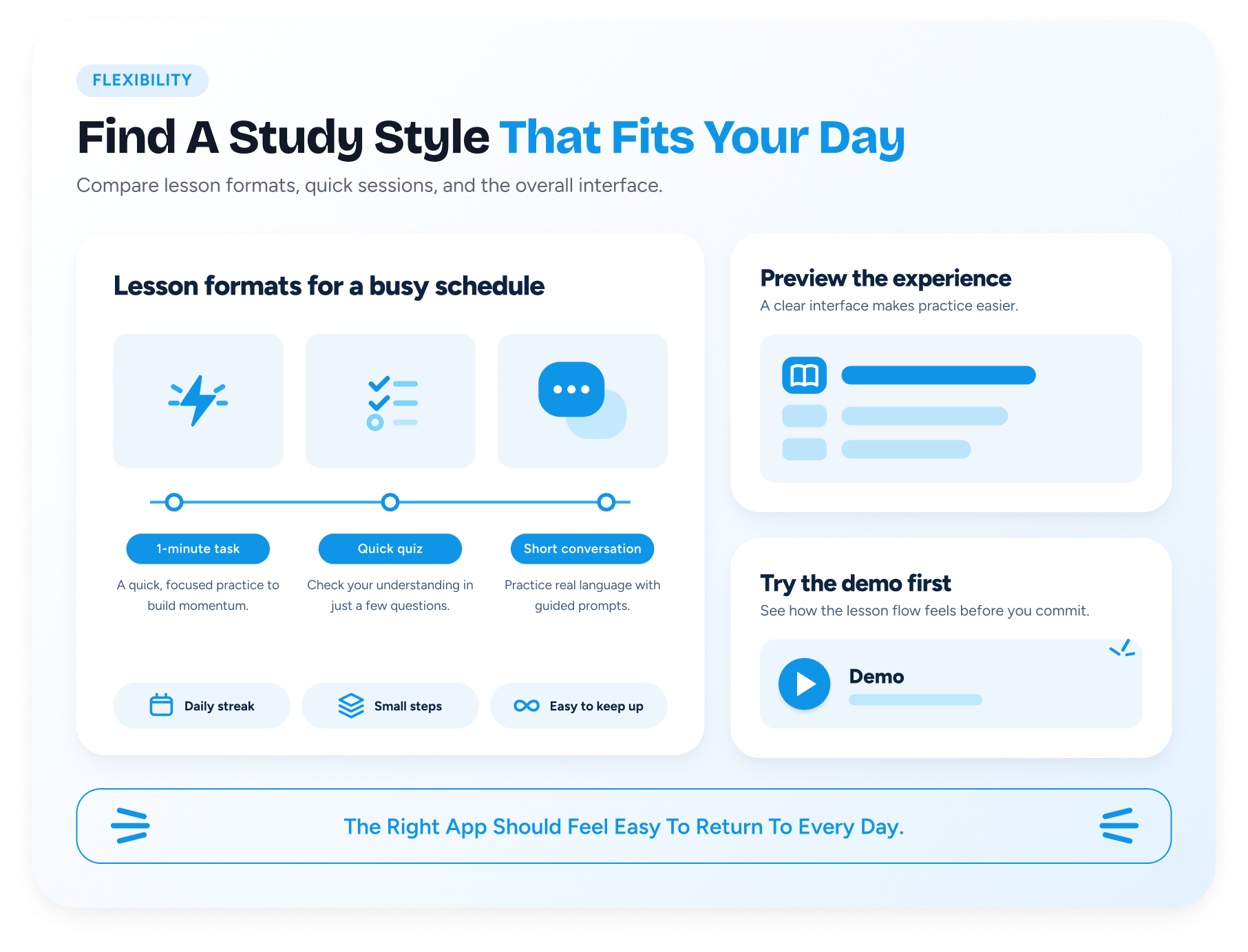
While comparing apps, ensure that you’re comparing the flexibility of the lesson formats. Some apps divide the lessons into smaller sub-tasks, which can take only a minute to complete. They offer streak levels to learn slowly yet build your daily routine.
The key to great learning is the interface. You’ll find apps with a clearer interface that provide an interactive learning experience. View the demo versions of the apps before you select one.
Match the App to Your Learning Goals
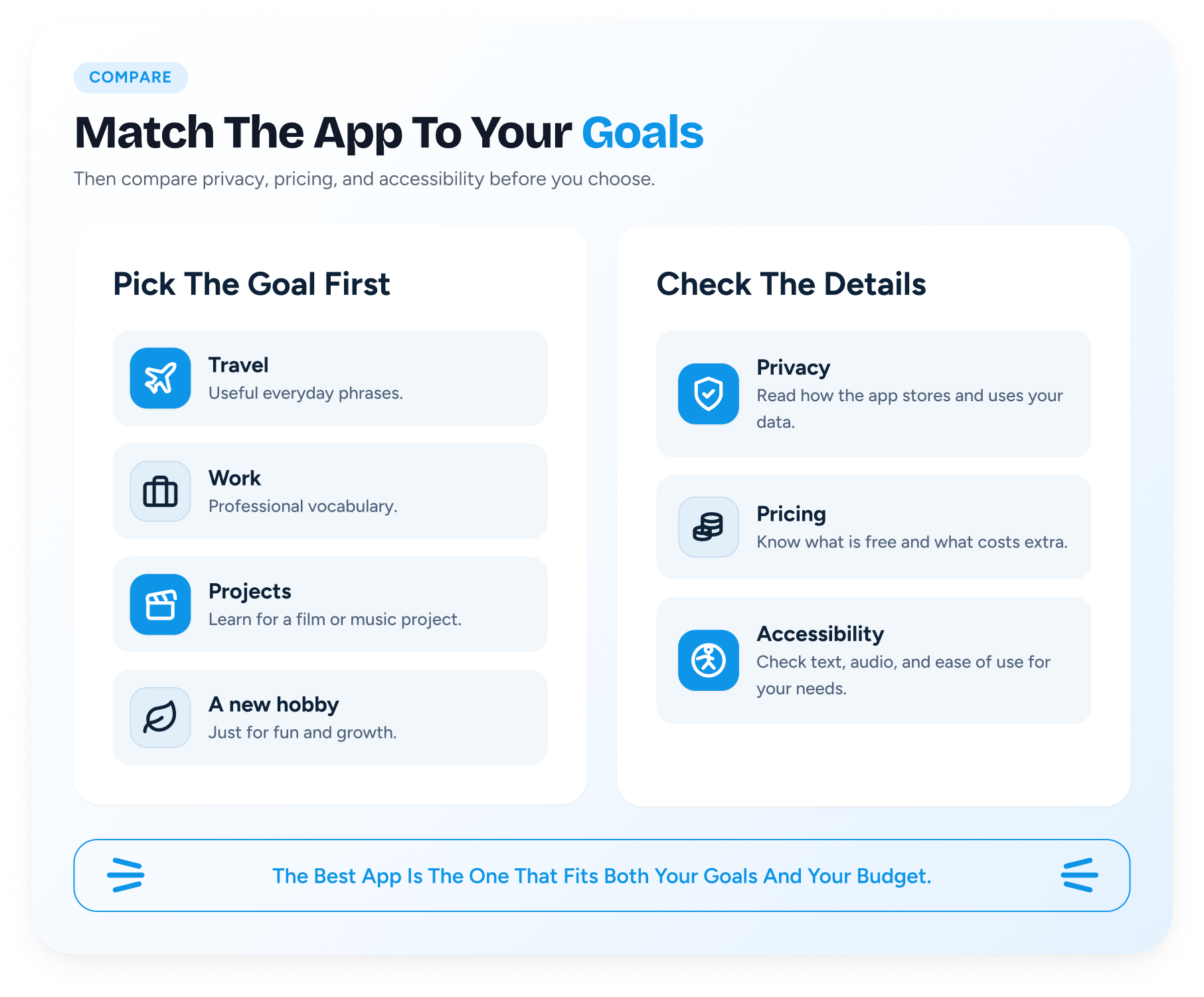
Another important element in selecting the right learning app for your Mac is its compatibility with your goals. You need to set down the goal that you want to achieve with the app. It can be learning a new language for traveling, work, projects such as a film or a music video, or just picking a new hobby.
When you set the goal, you can find out which app aligns the most with it. This helps you pick the right one accordingly.
Consider Privacy, Pricing, and Accessibility
In addition to the app’s compatibility and interface, here are some additional features to look for:
Privacy
Since the app’s working on your Mac, it’s most likely able to access your data in real-time. However, you can read the privacy policy from the App Store and find out how it stores and uses that data.
Accessibility
This is mostly related to the interface of the app and the features it offers. From text to audio, you need to check the features it offers, especially related to your target language.
Pricing
Lastly, find out whether the app is free to use or not. Some apps provide complete language learning access in their free versions. However, some ask the user to buy a premium subscription to unlock the complete list of lessons. Check this beforehand to pick the right one for your budget.
Questions to Ask Before Choosing an App
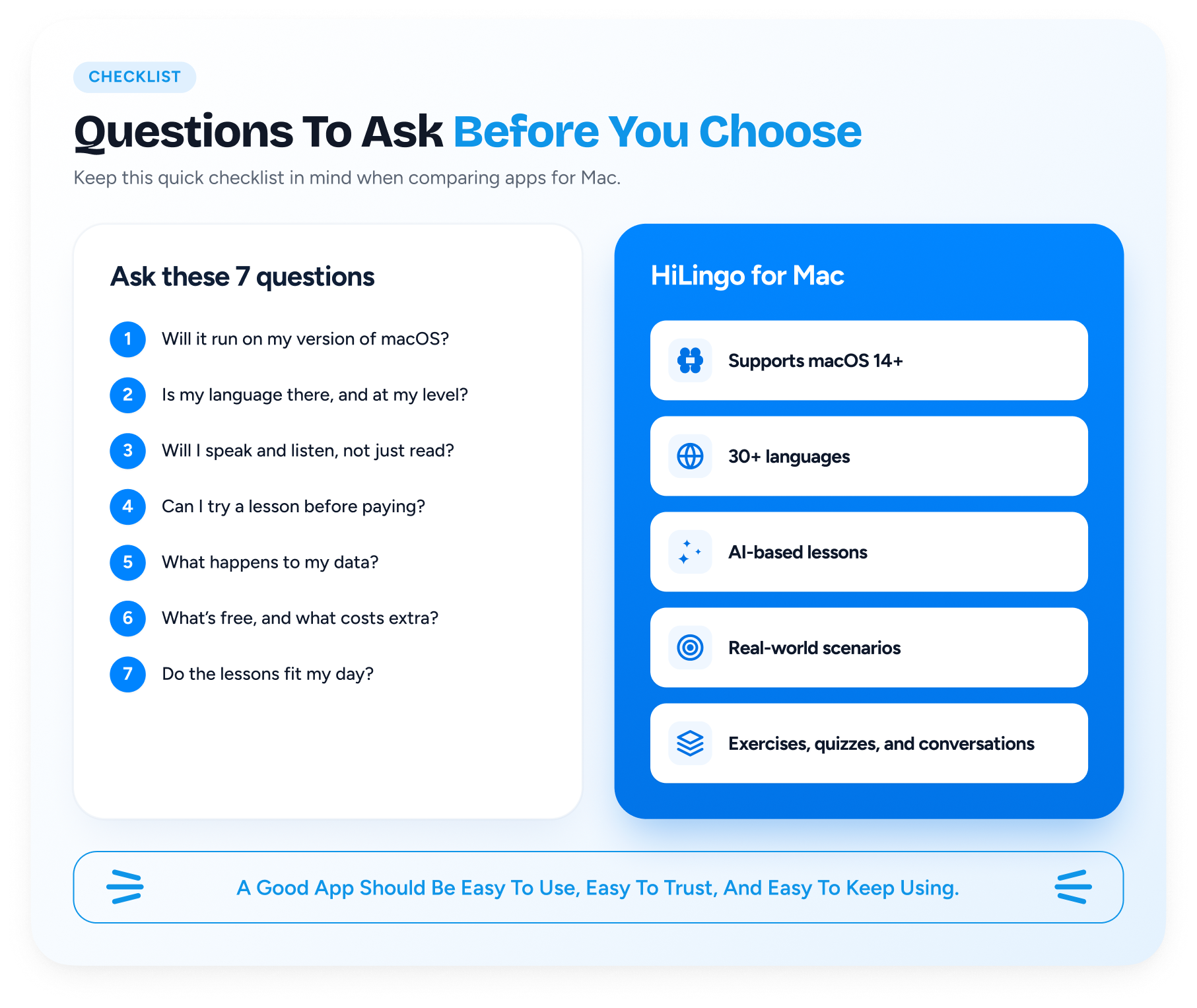
Now that we’ve narrowed down to the important factors of choosing a language learning app for Mac, here’s a quick checklist of questions to keep handy when picking one:
- Will it run on my version of macOS?
- Is my language there, and at my level?
- Will I speak and listen, not just read?
- Can I try a lesson before paying?
- What happens to my data?
- What's free, and what costs extra?
- Do the lessons fit my day?
Explore HiLingo for Mac
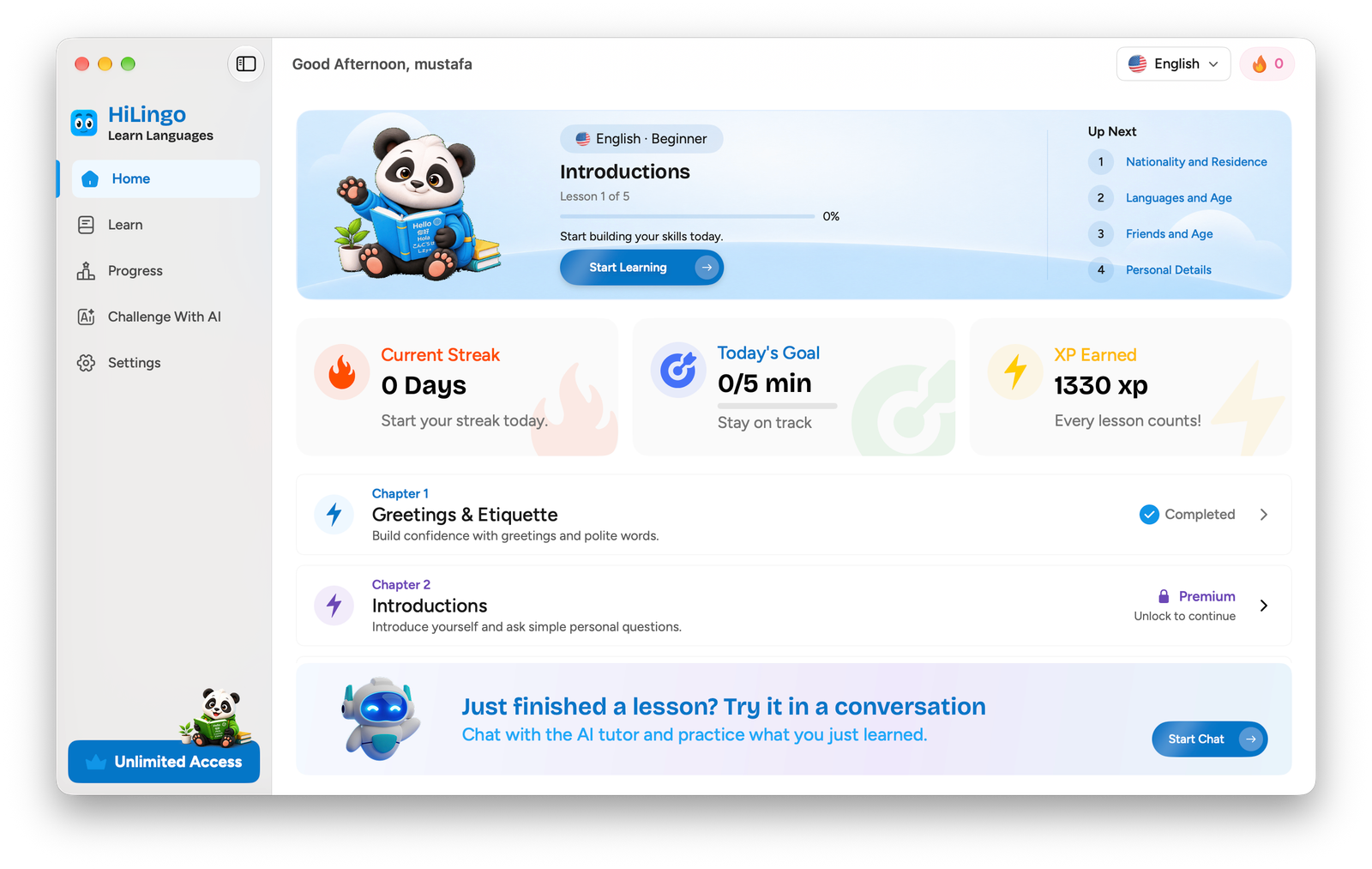
If you’re looking for options, then HiLingo is one of the most recommended apps in the market. It’s free to use and supports macOS 14 and later versions. You can find lessons for over 30 languages, including Spanish, French, Italian, Japanese, and many more.
The intuitive thing about HiLingo is its AI-based functionality. The AI integration creates lessons according to your learning curve. These lessons include real-world experiences such as ordering coffee, introducing yourself, asking for directions, etc.
These scenarios help you learn any language effectively by relating it to something you can experience in real time. It also allows you to begin learning without creating an account for some languages.
Moreover, you can try HiLingo on your Mac to explore its vast catalog of exercises, quizzes, and conversational programs to unlock your language learning potential. As always, go through its privacy policy to explore how it uses your data to provide a reliable learning experience.
Closing Thoughts
The truth is that you won’t be able to learn a new language within days. You need to set a solid routine and stick to it to ensure you don’t lose your progress. Using the guide above, you can easily find the right language learning app for Mac and explore new languages.