
Guide Your next conversation starts here
How to Learn French on a Mac: Beginner Tips and a Weekly Plan
Learn useful French phrases, practise pronunciation, and find a weekly rhythm that fits your life.
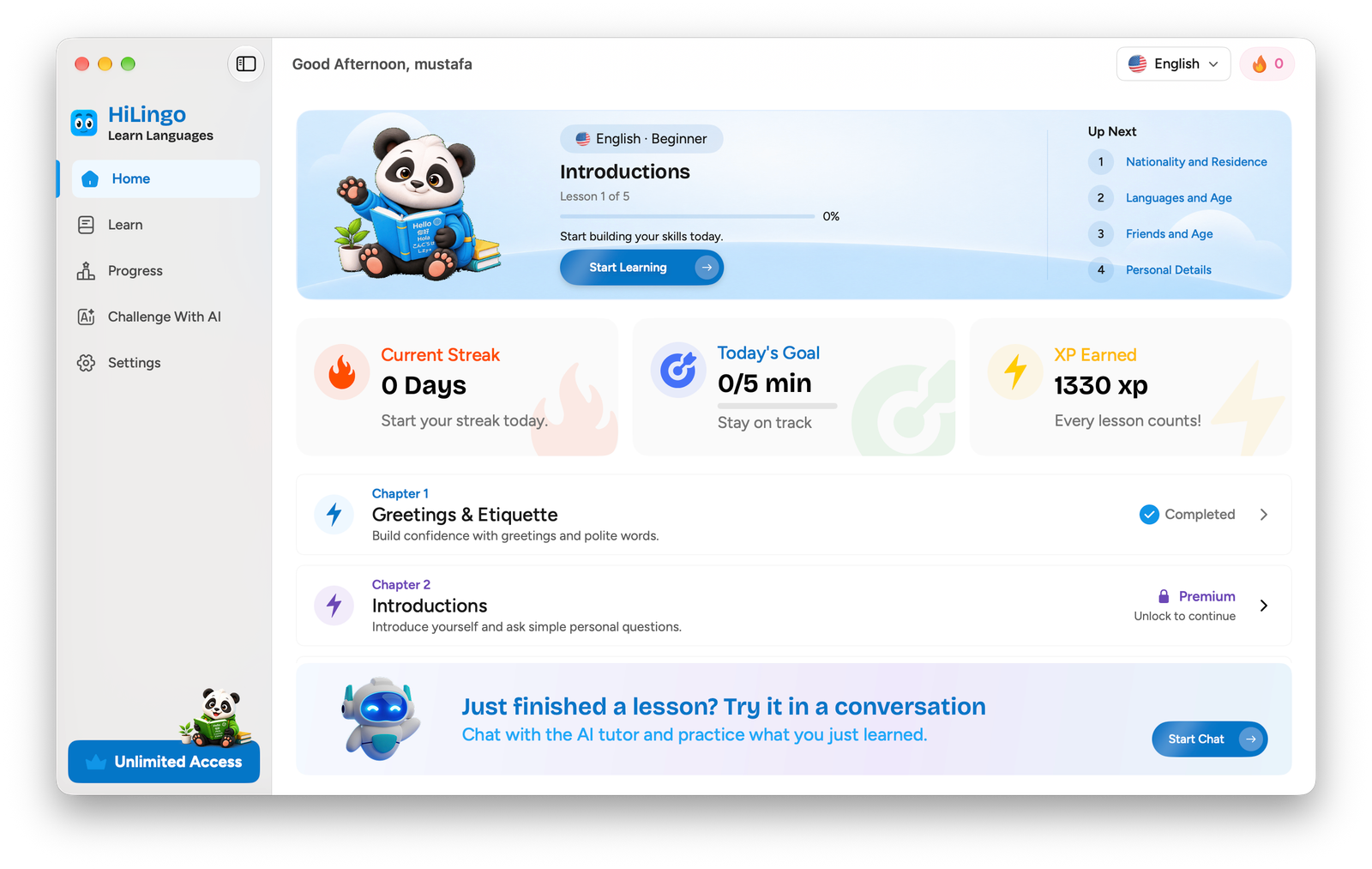
Learning French on your Mac is easy. You have a screen, speakers, microphone, and keyboard. However, what most beginners lack is a plan. Without it, most people bounce between videos and apps, and in the end just give up the idea of learning a new language.
However, if you’re keen on learning French, then this guide will help you achieve this goal. We’re sharing beginner tips with a weekly plan that you can implement to learn French or any other language easily. So, let’s check them out below:
Set a Practical French Learning Goal
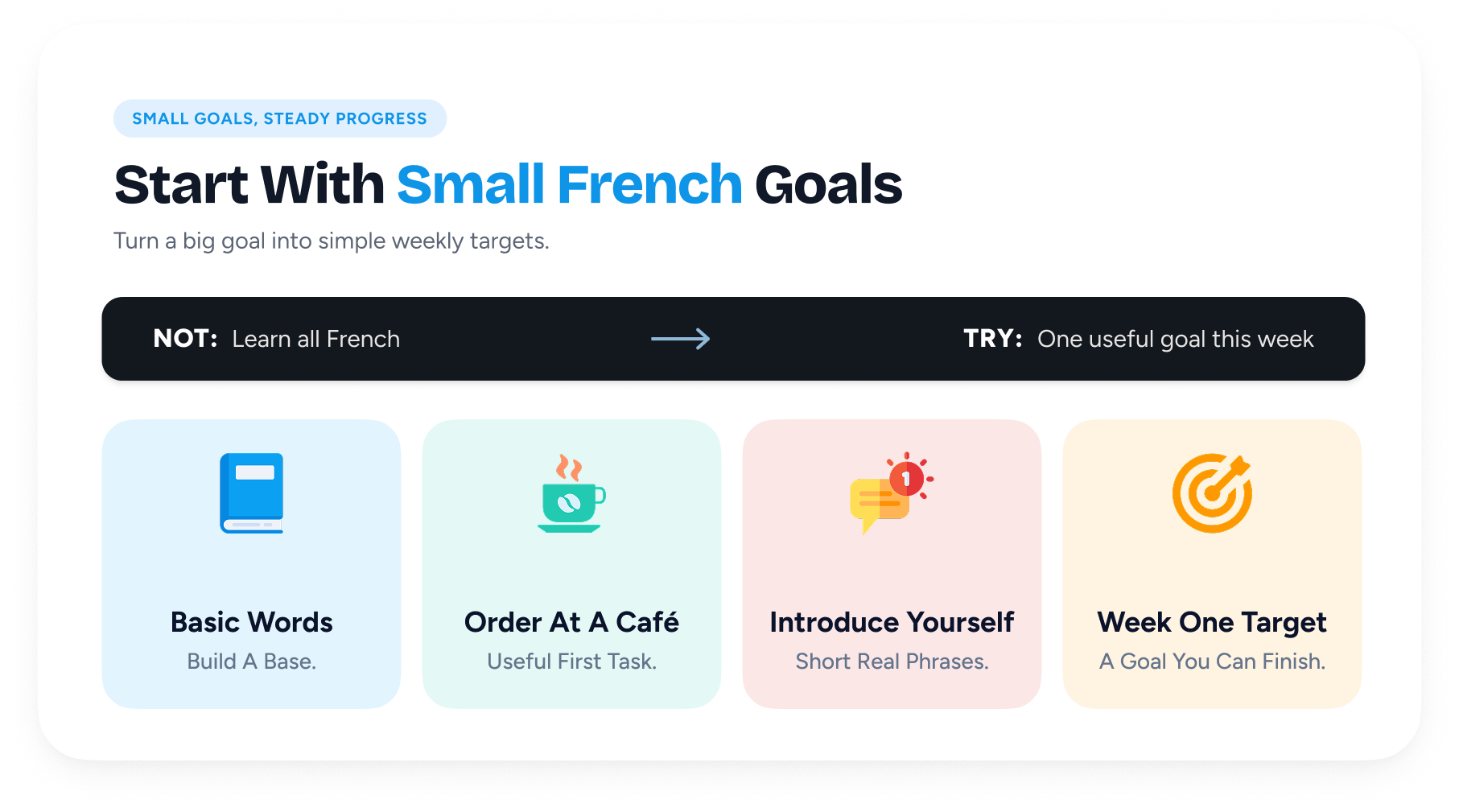
The first thing you need to do is to set a learning goal. Your main target is learning French. However, you need to create smaller goals to achieve this one. These smaller goals act like a step on a ladder.
What’s interesting is that creating smaller goals can actually help you progress firmly. You achieve these goals daily and weekly, and with their completion, you remain motivated to learn further.
You can set something like learning to order in French or introducing yourself in French in week one and so forth. This way, you can create momentum for your progress daily, which will help you stick with your routine.
Get Familiar with French Pronunciation
While learning French, you’ll come across pronunciations. The important thing is that you don’t skip these and practice speaking words and phrases as you learn. Here are some high-value patterns that you need to practice:
- Silent final consonants. The final "t" in petit or the final "s" in vous is usually not pronounced.
- Nasal vowels. Sounds like on, an, and in resonate through the nose rather than ending with an "n" sound.
- The French "r". It's made at the back of the throat, not with the tip of the tongue.
- Liaison. A normally silent consonant can link to the next word, as in vous avez.
For every word you’re learning, speak aloud its pronunciation. You can speak the entire word or go syllable by syllable. It will be tough in the beginning considering you’ve just started learning. However, once you practice enough, you’ll get a solid grip.

Learn Useful Phrases in Context
When you’re learning new words in French, you can easily group them up with similar context. For example, you can group food-related words with restaurants and cafés. Similarly, you can group conversational words with communication scenarios.
Doing this allows you to remember the context of the words. It helps you understand what the word exactly means, and you can easily utilize it in appropriate sentences. Moreover, grouping signals your brain to remember words related to specific situations.
In addition to this, you can also download a French keyboard on your Mac to type the accents correctly. This also boosts learning as well as improves accuracy along the way.

Practice Listening Before and During Speaking
One of the major problems with learning a new language is defining your progress. In most cases, most people learn new vocab but are still unable to pronounce it, not knowing the accents and expressions properly.
To avoid such a situation, ensure that you’re practicing listening and speaking new words and phrases as you learn. Even as a beginner, you can simply listen to podcasts, follow transcripts, or watch videos to learn pronunciation.
Using this, you can get the general idea of how a word is spoken. You can then practice the words and proceed to phrases. Remember to master the pronunciation before moving on to the next word or phrase.
Repeat the sentences, record, and then analyze the difference between how it’s spoken vs. how you’ve been pronouncing it.

Create a Repeatable Weekly Study Plan
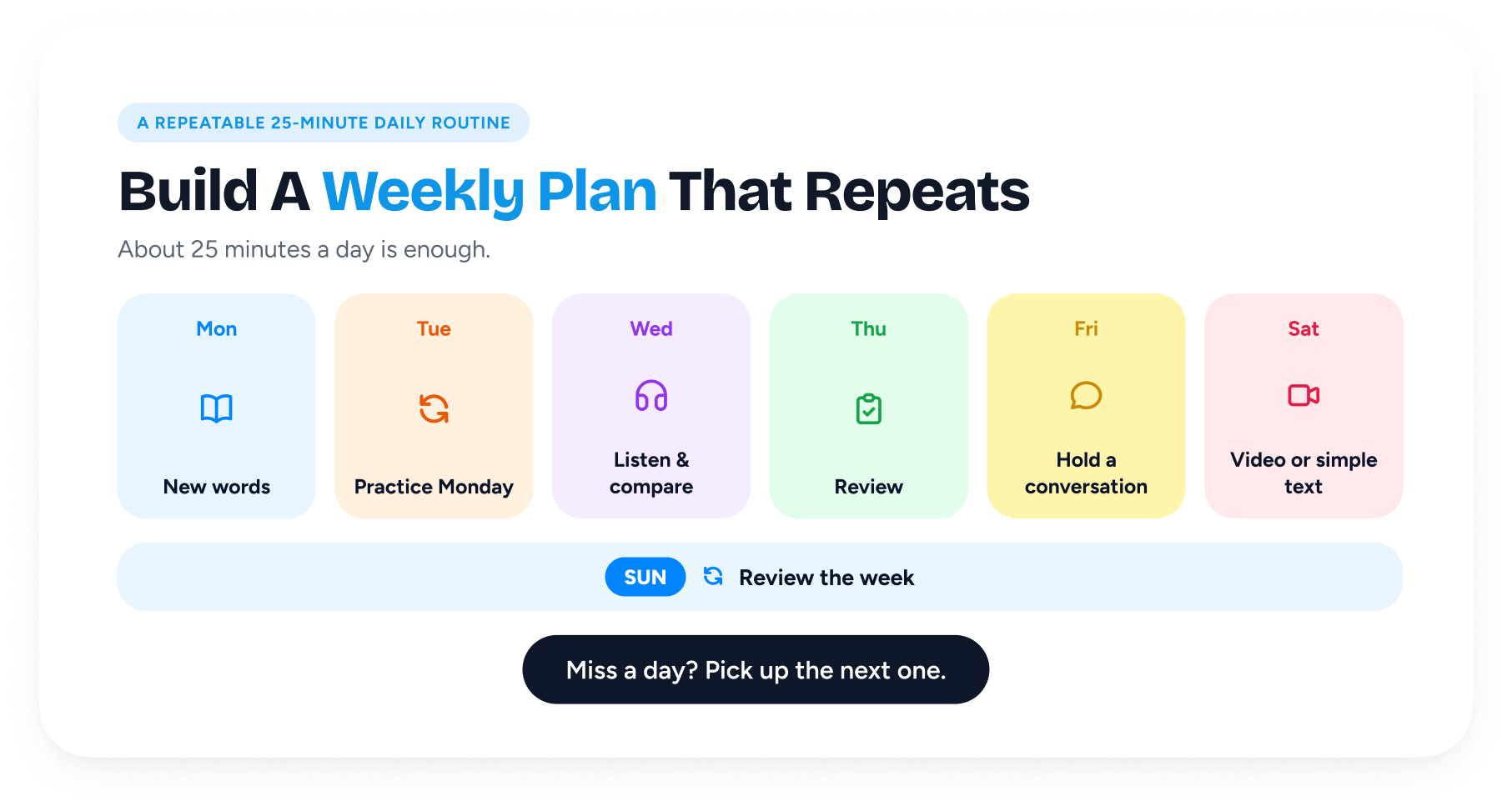
Consistency beats intensity. Here is a simple week that fits around work or study, at roughly 25 minutes a day:
- Monday: focus on learning something new.
- Tuesday: practice what you learned on Monday.
- Wednesday: listen to yourself and compare pronunciation.
- Thursday: review your overall learning.
- Friday: Try holding a conversation.
- Saturday: Watch a short French video or read a simple text.
- Sunday: review the overall week’s progress and prepare for the next.
The exact days don't matter, as long as every week includes new input, speaking, listening, and review. If you miss a day, pick up the next one rather than catching up.
Use Review to Remember New Words
Another problem many language learners face is forgetting what they’ve learned. These words disappear as the lesson progresses. However, at a certain level, they reappear in a new context, which is confusing.
To avoid facing this, you can review your lessons the next day and add a weekly review session. With every passing week, you can keep adding more to your review session so you can easily remember what you’ve learned so far.
Mistakes French Beginners Can Avoid
When you’re learning something new, you’re bound to make mistakes. However, don’t let these become a habit. Here are some common mistakes that learners make while learning French:
- Waiting to speak until you feel ready.
- Ignoring gender.
- Translating word for word.
- Studying only on the screen.
- Chasing perfection.
- Skipping review.
Digital Tools for Learning French on a Mac
Learning French on Mac becomes easier when you’re using a dedicated language learning app. HiLingo is one of the recommended apps for learning French and other languages. It offers language learning for more than 30 languages.
The intuitive element about HiLingo is that it’s built for beginners. The app contains short quizzes, practice sessions, and conversational exercises that help you master any language you want.
Moreover, it’s supported by macOS 14 and later versions, and it’s free to use. You can check out its features and learning interface through its demo version. Explore HiLingo for Mac to benefit from its language learning experience. If you want, you can also use language learning applications available online to pick the one that fits your learning needs.
Start Small This Week
The key is to learn a handful of phrases and practice their pronunciation. Proceed slowly but consistently, and utilize the functions of a language learning app on your Mac.